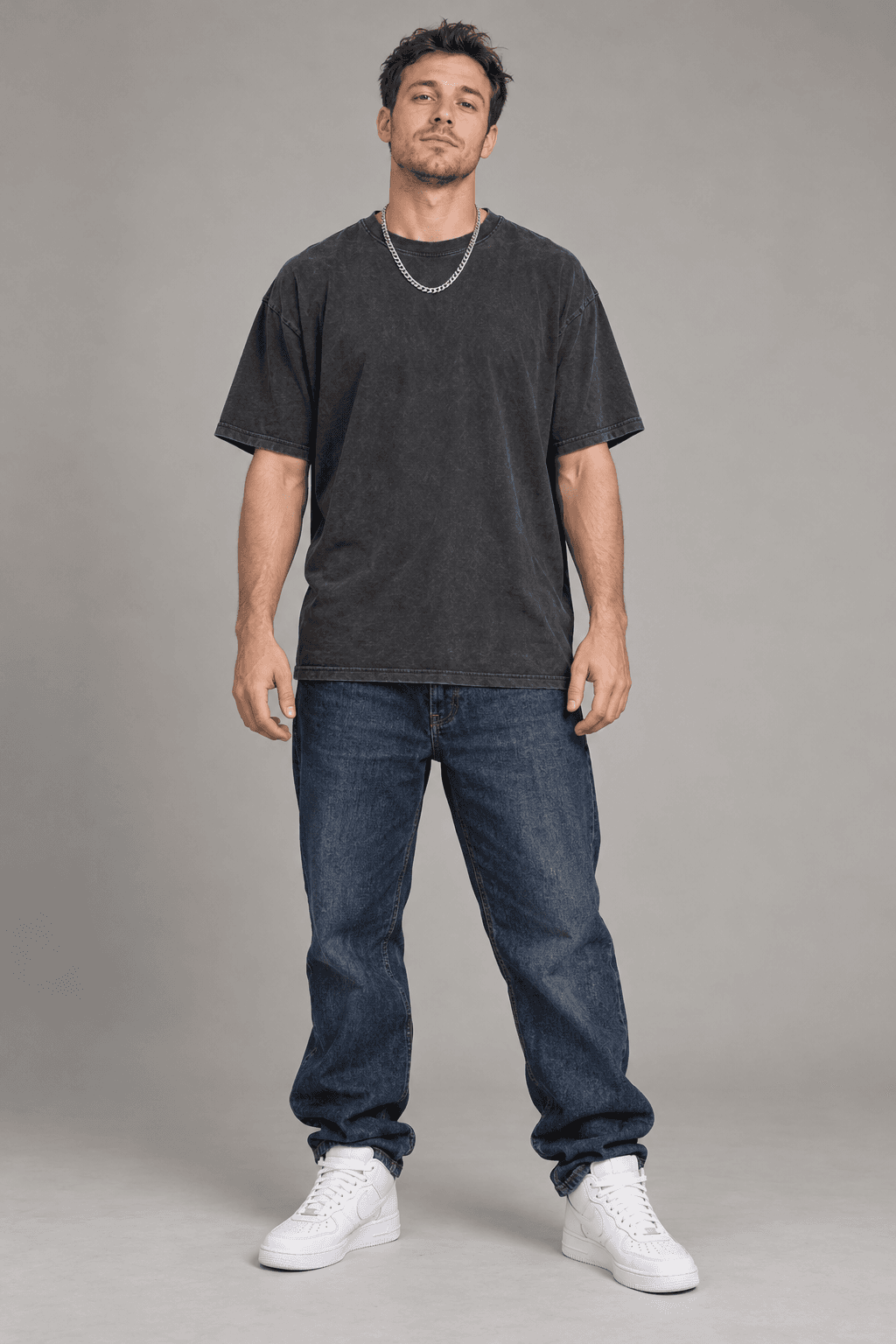
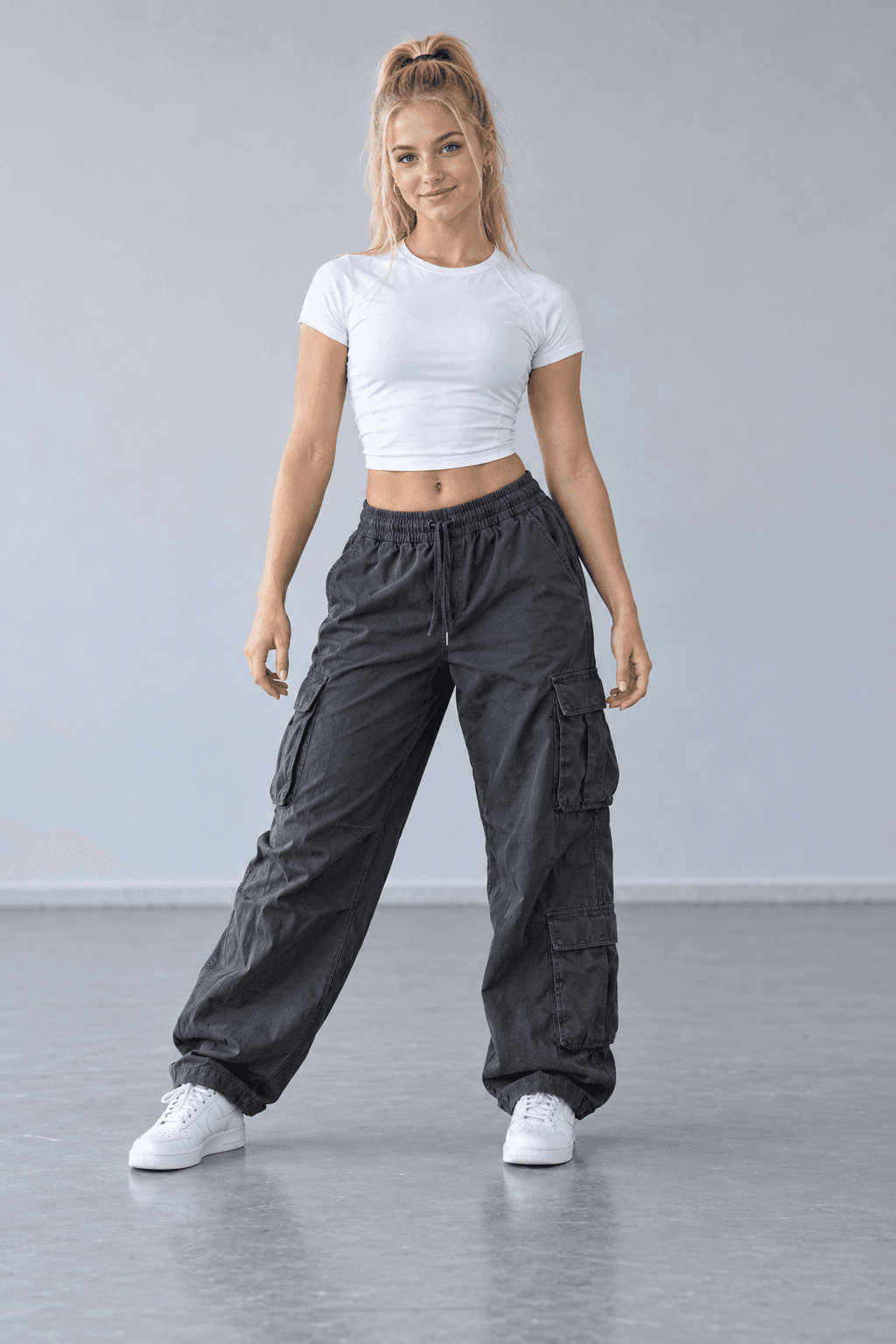
Two photos. Your own cast.
One photo for each dancer. Bring both of you into the NEON duet.
Create your own take on A2O LITE’s NEON duo dance. Upload two photos of people or animals and make a 15-second AI video with the reference soundtrack included.
One person in each photo. Each becomes a dancer in your video.
MADE WITH LITE NEON DANCE
Watch another generated NEON dance example, with sound. Your photos bring a different cast to the performance.
THE PERFORMANCE, ALREADY SET
NEON is A2O LITE’s debut single, featuring a distinctive opening duo dance. Bring your own cast to a short excerpt with two reference photos and our AI dance generator.
The NEON Duet template uses a 15-second reference performance to guide movement and timing. Choose people or animals, preview the dance below, and download your result as a 480p MP4 with the reference music.
Create your NEON danceYour cast, with the music and moves already in place.
One photo for each dancer. Bring both of you into the NEON duet.
The original template soundtrack is included in your finished video. Music and movement, together.
Preview the NEON dance above. Its choreography guides the movement, framing and timing.
Save your finished video from your account within 24 hours of completion.
The template sets the performance. Add your photos and review the price.
Buy credits when you need them. See the fixed cost before you generate.
FROM PHOTO TO PERFORMANCE
Play the NEON reference to see the choreography and music for your dance.
Upload one clear photo per performer. Review the template and its credit cost.
Start generation, follow progress in My videos and download your finished clip within 24 hours.
SIMPLE, ONE-TIME PACKS
Choose a credit pack. Your NEON dance has a fixed credit price, shown before you generate.
$9.90one-time payment
100 credits
Get 100 credits$19.90one-time payment
300 credits
Get 300 credits$49.90one-time payment
900 credits
Get 900 creditsA FEW THINGS TO KNOW
Photos, soundtracks, credits and everything that happens after you press Generate.
How to make a NEON AI dance video ↗Lite NEON Dance is an independent photo-to-video tool for making an AI duet inspired by A2O LITE’s NEON dance. Upload two separate photos, choose People or Animals, and generate a 15-second video with the reference soundtrack. This is not an official A2O LITE product.
NEON is A2O LITE’s debut single. Its opening features a coordinated two-person dance. Our NEON Duet template uses a short reference excerpt to guide your AI video; it does not recreate the full music video.
Yes. Choose Animals and upload one clear photo of each animal. The template creates an upright dancing duo based on those photos. AI results can vary, especially during turns and overlapping movement.
NEON Duet uses two separate photos, one for each performer. Add one clear photo of each person or animal.
Use a clear, well-lit photo of one person or animal, with their face visible. JPG, PNG and WebP are supported, up to 8 MB per image and at least 340 × 340 pixels. Only use photos you have permission to use.
Yes. NEON Duet includes its reference soundtrack, added to the generated video. Your photo is used for appearance, not for cloning your voice.
The reference guides the scene, movement and timing, but AI can change details. An exact likeness, identical choreography or precise lip sync is not guaranteed. Review your finished video before sharing.
After your submission succeeds, generation continues in the background. Open your account and go to My videos to see the status and finished result.
The template’s credit cost is reserved when you submit. Confirmed failures return those credits automatically. If the provider’s final status is still unknown, the reservation remains until the outcome is confirmed.
Completed videos are temporarily saved for 24 hours. Download your MP4 before that period ends.
No. All packs are one-time purchases. You see the selected template’s exact credit cost before you generate.
YOUR TURN IN THE SPOTLIGHT
Add two photos and make the NEON dance your own. The music is already included.
Start creating